Live Classes Inside Your LMS: Why Built-In Video Beats Bolt-On
By EduGears AI Team
Most organizations that teach live are running two systems at once. The courses, the materials, the assessments, and the records sit in a learning platform, while the live sessions happen in a general-purpose video conferencing tool that was chosen for company meetings rather than for teaching. It works, in the sense that classes do take place. But the seams show up everywhere: in how a session is announced, in how learners get into the room, in how attendance is captured, and in how little of what was said in the session ever makes it back to the course. For corporate training teams and educational institutions alike, those seams are where administrative time quietly disappears.
The first seam is the meeting link itself. A session is created in the video tool, and the link then has to travel to every place a learner might look for it — a course announcement, an email, a calendar invite, a chat channel, often all four at once. Every copy is another thing to keep current when the time moves, the cohort changes, or a session is added late in the term. Learners who miss one of the four channels miss the class, and instructors spend the first five minutes of every session re-sending a link instead of teaching. None of this work is difficult; it is simply endless, and it grows in direct proportion to how much live teaching an organization does.
The second seam sits with the learner. A generic video tool usually wants an account of its own, and often an application install before it will let anyone in. That is a small obstacle for a colleague joining an internal meeting and a significant one for a first-year student on a shared device, a new hire who has not been issued every credential yet, or an external trainee on a locked-down corporate laptop. Each additional sign-in is a place where attendance is lost for reasons that have nothing to do with willingness to attend, and support teams end up troubleshooting a video product they do not administer on behalf of learners they cannot see.
The third seam is attendance. When the class runs outside the learning platform, the record of who attended lives outside it too, which in practice means someone reading a participant list on screen, taking a screenshot, or exporting a report from one tool and reconciling it against a roster in another. That reconciliation is slow, easy to get wrong, and awkward to defend later, which matters a great deal when attendance feeds a compliance requirement, a grade, a funding return, or an employment record. The information exists in both systems and belongs in neither.
The fourth seam is commercial. A separate video product is a separate contract, usually licensed by host, which means the number of people who can run a class at the same time becomes a procurement question rather than a teaching one. It also means another vendor to put through security and privacy review, another set of settings to keep aligned with institutional policy, and another renewal to defend. Organizations frequently discover that the cost of the video tool is only the visible part; the administrative overhead of keeping it aligned with the learning platform is the rest.
The fifth seam is the one that hurts the learning itself. What happens in a live class — the questions, the worked examples, the clarifications that everyone needed — exists in a room that has no connection to the course it belongs to. Capturing that context, when it happens at all, is manual: someone writes a summary, posts it somewhere, and hopes the people who missed the session find it. Meanwhile the self-paced material in the course carries on as though the conversation never took place. Live teaching and course content end up as two parallel tracks rather than one experience.
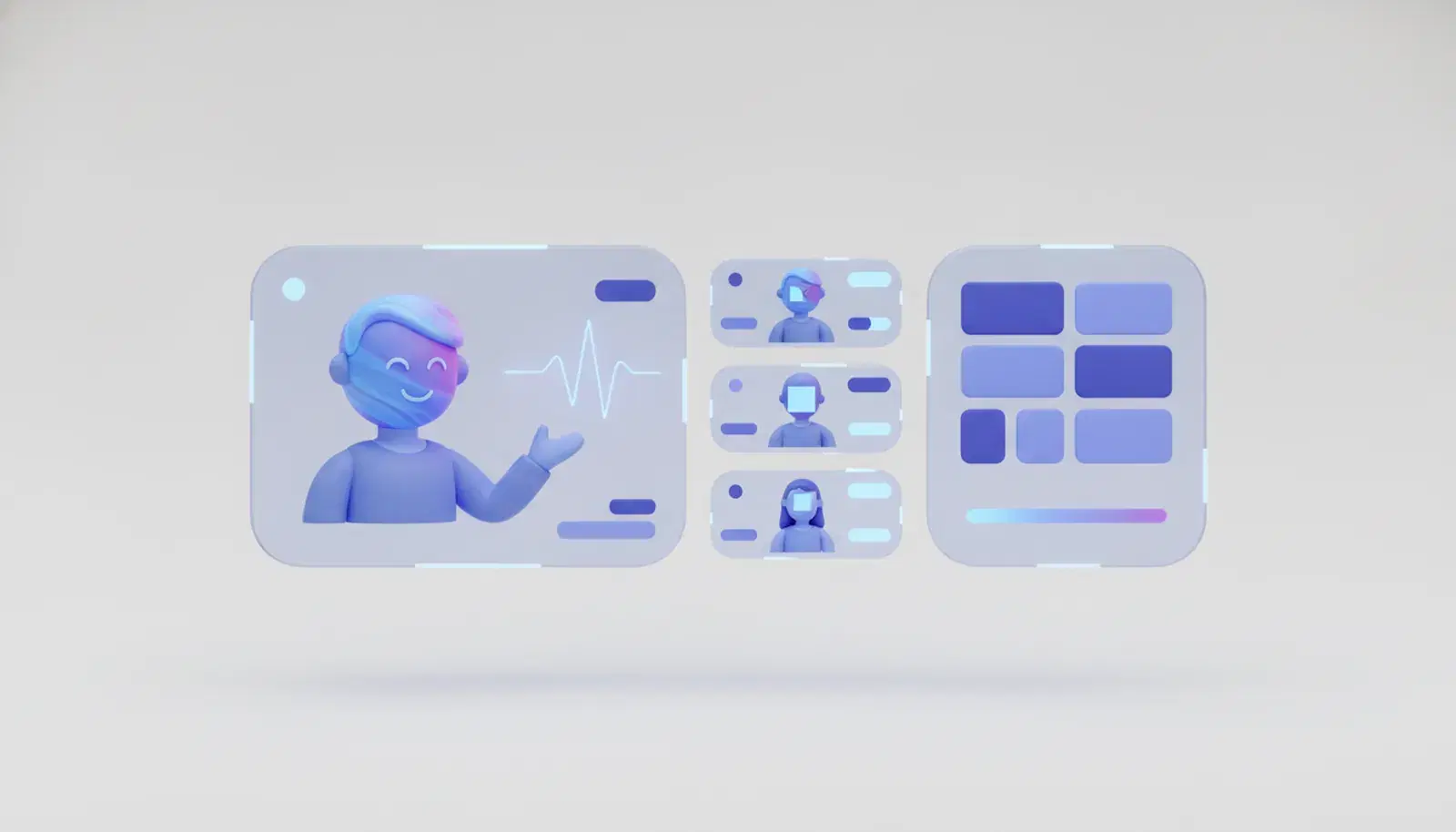
Video that lives where the course lives removes those seams instead of managing them. Live video sessions are built into the EduGears AI LMS, so a live class is an object in the course rather than a link pointing away from it. A class session is scheduled from a course or a classroom, which puts it in the same place as the lessons, assignments, and grades it relates to and in front of exactly the people already enrolled. When a session needs to reach the whole organization rather than one cohort — an orientation day, a campus-wide guest lecture, an all-staff briefing — it can be scheduled from the calendar instead.
Joining takes place in the browser. There is no separate account to create, no application to install, and no third-party video subscription standing between a learner and the class they are enrolled in. For institutions, that removes the credential problem for younger learners and for anyone on a managed device. For corporate training teams, it removes the awkward conversation with external participants who cannot install software on a laptop their employer controls. The learner is already signed in to the platform that holds their course, and that is the only sign-in the class requires.
Control of the room stays with the person teaching. The teacher moderates the session, and screen sharing is teacher-only unless it is enabled for that particular session. That default matters more than it sounds: in a general-purpose meeting tool, the settings are written for peers in a discussion, and someone has to remember to tighten them before every class. Setting the classroom expectation as the starting point, with the ability to open sharing up deliberately when a session calls for learner presentations or demonstrations, is the difference between a tool adapted for teaching and one designed for it.
Attendance is recorded on join and on leave. Because the session belongs to the course, the record belongs to the course too, which means there is nothing to export from one system and reconcile against a roster in another. Instructors get back the minutes they spent watching a participant list, and administrators get an attendance record that sits with the rest of the learner's history rather than in a spreadsheet on someone's desktop. When attendance has to support a compliance obligation or an audit, the fact that it was captured by the platform rather than transcribed by a person is the whole point.
The larger advantage is blended delivery from a single system. Live sessions in the EduGears AI LMS sit alongside the platform's AI-generated self-paced content: courses generated from a syllabus, AI grading that returns feedback to learners, and a context-aware tutor that answers questions against the course material. A cohort can prepare with self-paced lessons, meet live for the discussion and the hard questions, then return to assessments and tutoring in the same place — without anyone maintaining the join between two products. Hybrid teaching stops being an integration problem and becomes a scheduling decision.
The evaluation question is therefore narrower than it first appears. It is not whether a video tool has enough features; most of them have more than a class needs. It is how much work sits between a session being scheduled and the record of that session being where the rest of the learning lives. Count the places a link has to be posted, the sign-ins a learner has to clear, the minutes spent reconciling attendance, and the contracts involved. If live teaching is a regular part of how your organization delivers learning, that count is the real cost of bolting video on, and it is the one that built-in live sessions are designed to remove.