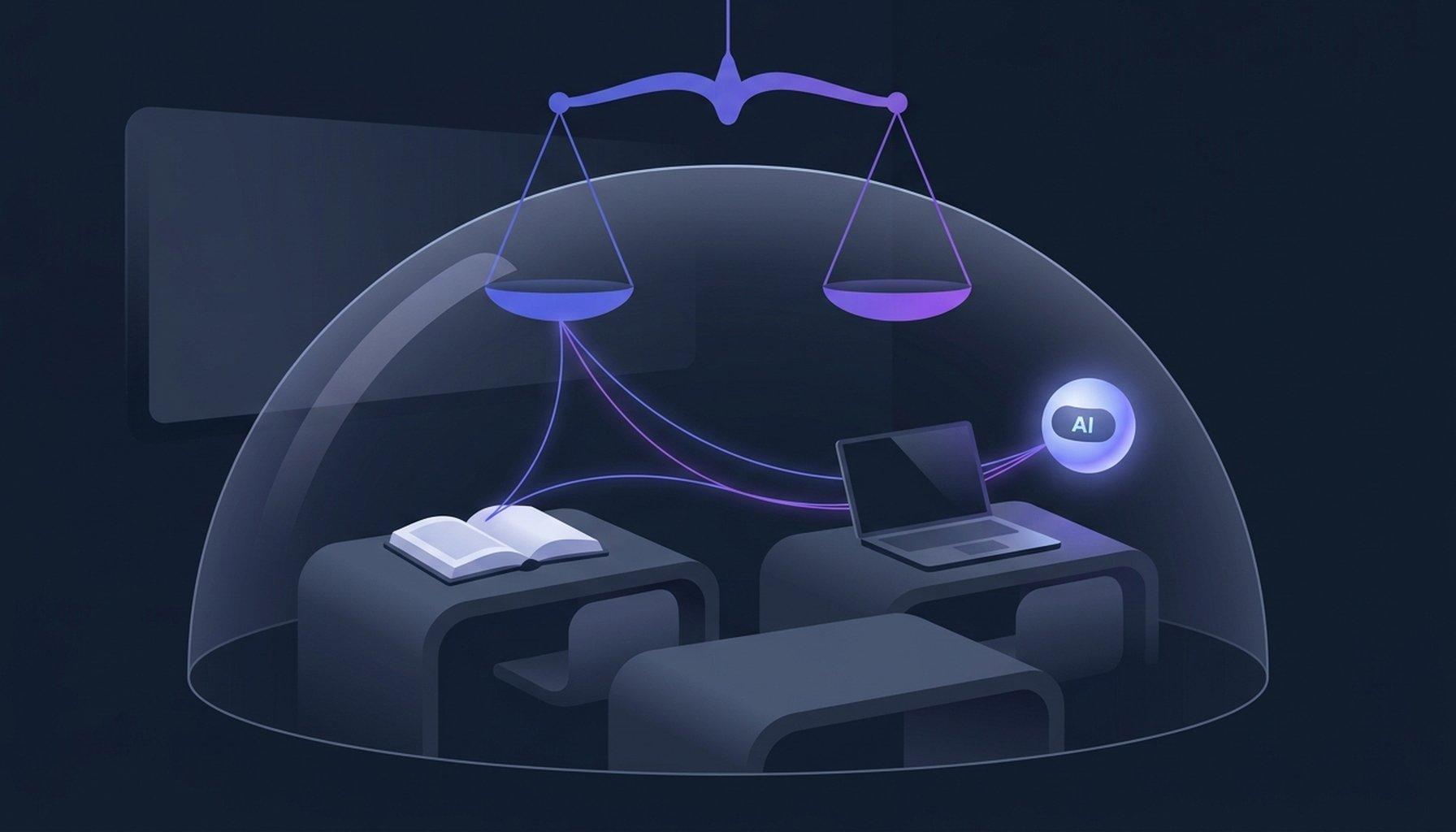
Google Has Tied Search to AI for K-12 Students. Here Is What Schools Still Control.
By EduGears AI Team
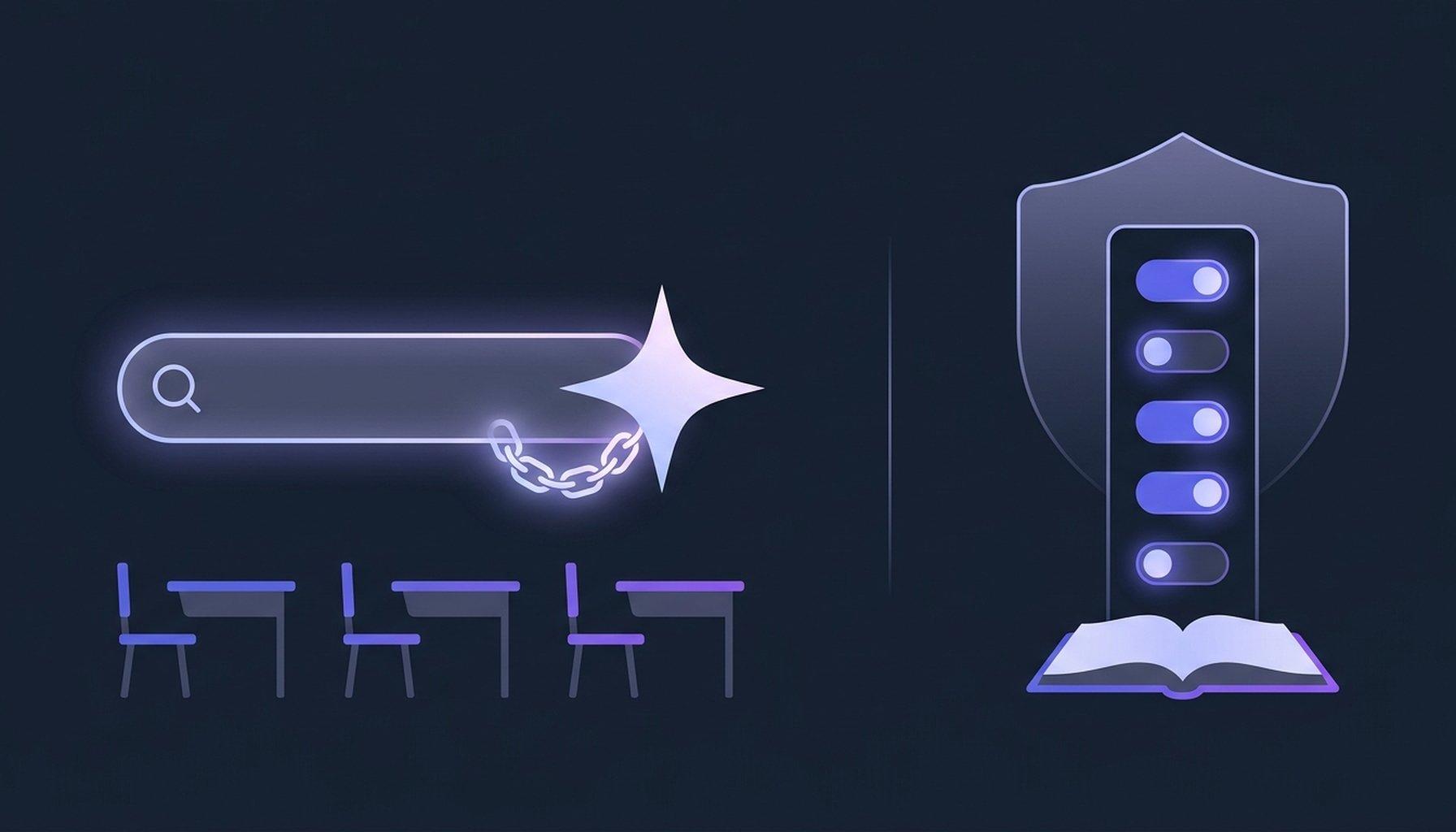
If you run technology for a school or a district, the first week of November arrived as a company blog post and a wave of phone calls. On November 3, Chris Phillips, Google's vice president and general manager for education, wrote that four products would be switched off for K-12 student accounts until school administrators explicitly turn them on: Gemini, Gemini Notebook, Gemini in Classroom and Google Search. The first three were the AI tools schools had spent the autumn debating. The fourth was the search engine. The detail that mattered surfaced in The New York Times: Search would come back only with its AI features attached. A school that keeps every AI feature off would find that Search shows its students a message saying it is unavailable.
It is worth being precise about what was and was not said, because the headlines moved faster than the facts. Google's post describes a default, not a ban. Administrators can turn on Gemini, Gemini Notebook and Search individually, and Google said on X that schools may enable one, two or all of them. What a school cannot do is switch Search on without AI Overviews and AI Mode inside it. Phillips put it to the Times plainly: “Search and AI are deeply integrated.” Google also said student Search will switch to its new Guided Learning mode for certain homework-help questions, walking a student through a problem step by step instead of handing over the answer. Guided Learning became available in Google Classroom worldwide on November 3; the Search version begins as a pilot in a small number of U.S. schools later this month. Google has promised more specifics in the coming months and has given no date; reporting that cites the Times puts the new defaults taking effect in early 2027.
Schools had already met the edge of this problem. In Albany, New York, the district had turned off Gemini and AI Mode for students and found that the AI Overview summaries at the top of search results could not be turned off at all, as its spokesman told the Times Union. That matches what Common Sense Media reported in July, when it gave Google's AI features in Search its lowest rating, Unacceptable Risk, recommended that they be off by default for minors, and noted that no setting existed to disable AI Overviews. Google disputed that review's methods at the time. The new announcement does not add such a setting. It makes the whole of Search, AI included, a single switch.
The reaction was loud and unusually bipartisan. Senator Bernie Sanders called the arrangement extortion. New York City's mayor, Zohran Mamdani, said Google was using monopoly power to push AI into public schools, and the former Federal Trade Commission chair Lina Khan said the episode showed the danger of an unregulated monopolist controlling an essential service. Melinda Person, president of New York State United Teachers, said Google should not get to hold districts hostage to force its AI products into classrooms, and Fairplay urged schools to leave the services off. A week earlier, Senators Richard Blumenthal and Josh Hawley had already written to Google asking why its AI was on by default on school devices. Google's reply, on X, was that schools can turn each service on separately and that schools had told it they wanted control.
Both things can be true. Schools did ask for control, and defaults that start off are better than defaults that start on. But the control on offer has a particular shape. It arrives on the vendor's calendar, not the school's. In June Google announced Gemini for students of all ages; in August it switched on inside Classroom; by September Education Week was reporting on a principal who had learned about it from a news story rather than from his district, and on districts being asked to manage the change, as MIT's Justin Reich put it, whenever the tech industry decides they have to. Now, in November, the choice is Search with all of its AI or no Search at all, with the details still to come. That is a choice, but it is not the one a school would have written for itself.
Step back from the particular products and the question a school actually needs to answer becomes clearer. It is not AI or no AI. Students will use AI, at home if not at school, and most educators have stopped pretending otherwise. The question is who sets the terms for the AI a student meets while doing schoolwork. What does it answer from: the course, or the whole internet? What does it do when a student pastes in the assignment that is due tomorrow? Who can see what was asked and what came back? Can a teacher change how it behaves for her class without a district-wide decision? And can the school turn it off, everywhere, in one place, without losing something unrelated in the bargain? A handful of on/off switches in an admin console do not answer any of those questions. They only decide whether the questions get asked.
This is the case for moving the homework-help path out of a general-purpose search engine and into the place where the coursework already lives. A learning platform knows which course a student is in, which materials the teacher chose, what has been assigned and what has been submitted. An AI assistant that lives there can be grounded in that course and nothing else, can be told how to teach by the teacher who wrote the course, and can keep a record the school owns. A general-purpose search engine is not built to do those things, with or without AI on top.
In the EduGears AI LMS, that control starts at the organization. Under Settings and then Features, an owner or administrator has separate switches for the Cog chat dock, the AI Tutor students use, the AI Assistant that answers staff questions about course materials, and the staff-only ability to ask Cog about real learner data. Each is on until someone turns it off, only owners and administrators can change them, and turning the AI Tutor off removes it everywhere at once: from the learner's course view, from inside Cog, from the staff preview, and from embedded tool panels. Two further organization settings apply to students alone: a coursework focus that steers the assistant back to the work when a conversation drifts, which is on by default, and a daily message limit per student, set to 100 unless the school changes it. Neither touches teachers or administrators.
The next layer belongs to the teacher, which is where the pedagogy should sit. Each course has an AI & Tutor tab in its settings, where three controls shape the tutor. Grounding is strict by default, which means the tutor answers only from the course's own materials; if a student asks something those materials do not cover, the tutor declines and tells the student politely that it is outside the course, and when nothing in the course matches at all, the request never reaches the model. Guidance style can be Socratic, scaffolded, direct, or left to the learner, so a teacher who wants productive struggle can have it and one who wants plain explanations can have that instead. Topic boundaries let the teacher write, in plain language, what the tutor should and should not discuss. In strict mode the tutor is also instructed never to complete a quiz, assignment or graded task for a student and never to produce the deliverable they have been asked to submit, but to scaffold instead. Every change to these settings is recorded, from what to what, and by whom.
Then there is the part a search engine can never give a school: a record. The Tutor Questions report shows owners, administrators and instructors every question a student asked, the answer it received, kept for a year, and the outcome, whether it was answered from course materials, answered from general knowledge, declined because it was outside the course, or declined because the daily limit had been reached, with an export to CSV. Instructors see their own courses; administrators see the school. A separate AI usage report lists every AI request the organization made, with the user, task, course, provider and model. When a parent or a board member asks what the AI said to students last month, the answer is a report, not a shrug.
The remaining questions a technology director will ask are the ones about keys and data. Schools that want AI requests to run on their own account can bring their own key for OpenAI, Anthropic, Google, DeepSeek or Sarvam; the page is owner-only, keys are stored encrypted and never shown again, and a school can lock the provider so that no course overrides it. The assistant can be renamed and restyled so that students see the school's helper rather than a vendor's mascot. Student data is hosted in the United States, and EduGears AI is FERPA and COPPA compliant, with a data processing agreement available to any school that wants one. The same tutor controls, grounding, guidance style, topic boundaries and the questions report, are available to schools that keep Moodle or Canvas and add EduGears AI as a tool.
It is only fair to say what this does not do. An LMS is not a search engine, and students doing genuine research will still need the open web and a school's existing filtering to go with it. Nothing described here changes what Google shows, or does not show, a student account. What it changes is where the homework-help path leads. A student stuck on a problem at nine in the evening can ask something that knows the course, teaches the way the teacher chose, declines to do the assignment for them, and leaves a record the teacher can read in the morning. Whether the school also turns Search back on becomes a decision about research access, made on its own merits, rather than a decision about AI made under pressure.
If you are weighing this before the new defaults land, a short list of questions will serve you better than any vendor's reassurance, ours included. For every AI a student can reach on a school account: What does it answer from? What happens when a student asks it to do the graded work? Can I see every exchange, including the ones it declined? Who decides how it teaches, and can that differ by course? Can I turn it off in one place, and what else goes dark when I do? Products designed for schools answer each of those in a sentence. Where the answers come back as adjectives, or as a bundle you cannot take apart, keep asking.
We wrote earlier this autumn about what the new U.S. federal and state guidelines for AI in schools actually require, at www.edugears.ai/en/blog/us-ai-education-guidelines-what-they-mean-for-schools, and about why an AI tutor should know what it does not know, at www.edugears.ai/en/blog/ai-that-knows-what-it-doesnt-know. This month's news is the same argument from the other direction: control over AI in a school should be the school's, and it should be specific. If you would like to see what that looks like on a real course, bring the question you would least like a student to ask an AI, and we will show you what the tutor says, and what the report shows afterwards.
Read more: Cog, the AI agent inside the EduGears AI LMS · Everything in the EduGears AI LMS, under your brand