One AI Assistant Across Your Whole Learning Stack: How Cog Works
By EduGears AI Team

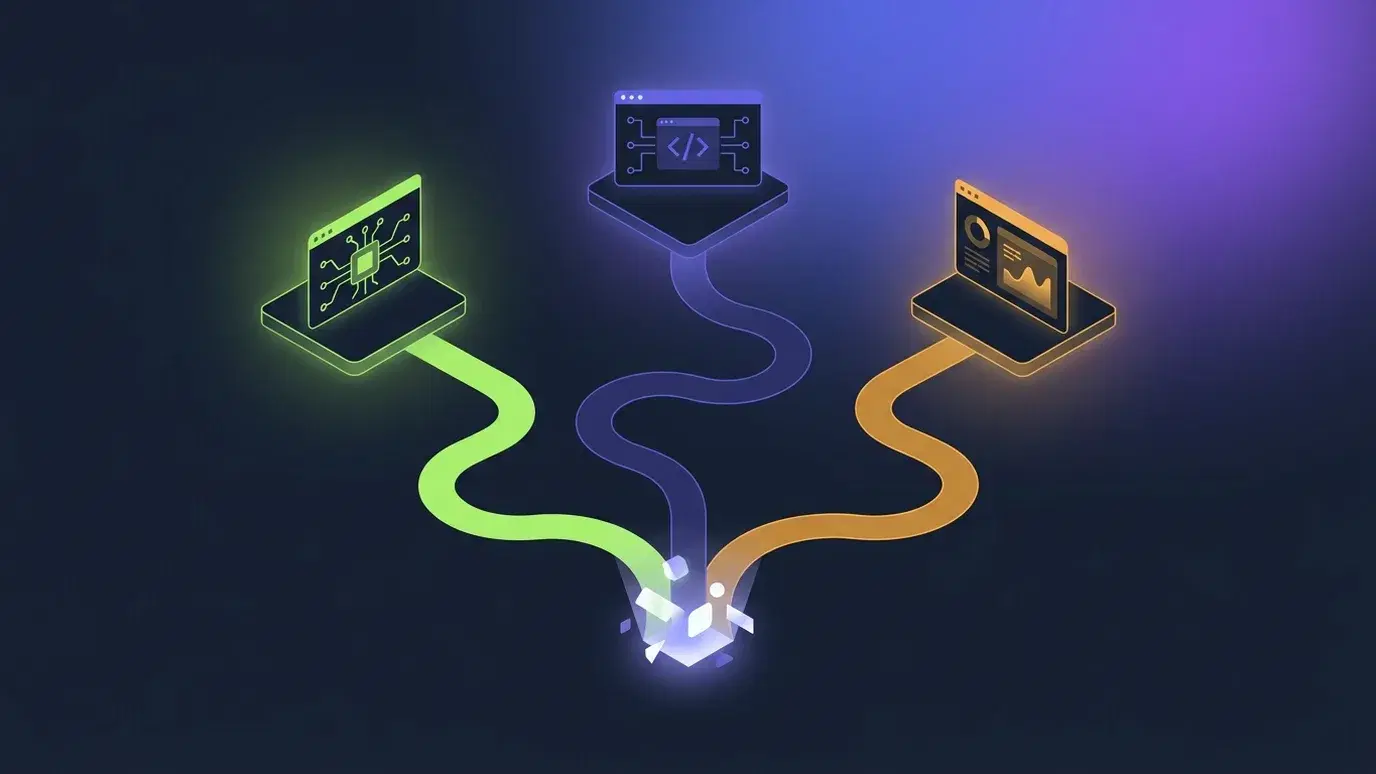
The fastest way to make an AI assistant feel untrustworthy is to have too many of them. A tutor widget in the course player, a separate help bot in the settings screen, a third assistant in the authoring tool — each one knows only its own corner, remembers nothing once you leave, and answers with a confidence that has no relationship to whether it is right. Learners and instructors quickly learn to treat all of them as decoration. The problem is not that the models are weak; it is that the assistant has been scattered into a dozen shallow copies instead of built once, properly, and shared. When we designed the AI assistant for our LMS, our Moodle and Canvas integration, and our course studio, we made the opposite decision: there is one assistant, it is called Cog, and it is the same assistant everywhere you meet it.
One assistant across three products sounds like a branding choice, but it is really an architecture choice, and it changes what the assistant is allowed to know. Because Cog is a single surface rather than three unrelated bots, it can hold a consistent idea of who you are, what you are looking at, and what you asked a moment ago — whether you are a learner inside a white-label academy, an instructor working through a course in your institution's Moodle, or a publisher building a course to sell. An institution does not have to teach its staff a different assistant per tool, and it does not have to explain why the tutor that was helpful in one place is a stranger in the next. The assistant that greets a student on their dashboard is the same one that helps them through a lesson and, later, talks them through a graded result. That continuity is the whole point.
The first thing that continuity buys is accuracy about the product itself. A recurring failure of bolted-on assistants is that they will happily answer a 'how do I…?' question about a feature they know nothing about — and get it wrong. In one real case that shaped this work, an assistant told a customer the platform had no messaging feature, while the messaging documentation sat a click away, unread. Cog now answers product questions from EduGears AI's own manual — the whole manual, not just the page you happen to be standing on — so asking about a feature on a screen you are not looking at returns the real answer rather than a polite guess. And every answer lists its sources underneath, each labelled for what it is: a help article, a piece of your own course material, or a video walkthrough. If you want to check the original, it is one click away. An assistant that shows its work is one you can actually rely on, because you can see when it is standing on solid ground and when it is not.
The second thing a single, well-behaved assistant has to get right is assessment. An AI tutor that will explain the answer to the quiz a student is about to sit is not a tutor; it is a cheat sheet with good manners. So Cog is deliberately careful around graded work. Before an attempt, it tutors with hints and questions rather than answers, keeping the student thinking instead of handing over the solution. It will only open up and discuss a specific quiz once the student has actually finished it — and it is the student's own submitted attempt that grants that access, so the conversation stays available even after the quiz is unshared at the deadline. From a results screen, a learner can finally ask the question that matters most for learning — 'why was question 2 wrong?' — and get a grounded, specific answer about the quiz they just sat, not a vague gesture at unrelated course material. The assistant is generous exactly when generosity helps and disciplined exactly when it would hurt.
The third thing is memory that behaves the way a person expects. Cog carries its context with you: click an in-app link in one of its answers and the page navigates while the chat stays open in the corner, so following a suggestion does not mean losing your place in the conversation. Arrive somewhere with no thread yet and it offers the last one back, with a link to continue it. None of this is dramatic, and that is deliberate — the measure of a good assistant is that you stop noticing the seams between where you were and where you went. A conversation that survives a page change is a conversation you will actually use for real work, rather than a novelty you try once and abandon when it forgets everything the moment you click away.
Because Cog is one assistant, an institution also gets one set of controls over it rather than a scattered handful. An owner can rename Cog to whatever their learners should call it, and that name follows it everywhere — inside quizzes, inside learning materials, across every product. An owner can keep the assistant focused on coursework for students, so it still answers anything with genuine learning value and never refuses a harmless question, but steers a wandering chat warmly back to the work. And an owner can set a sensible daily message limit per student as a fair-use safeguard. These are the platform owner's decisions to make, applied consistently, rather than a behaviour that drifts from one tool to the next. Usage of the AI is governed by the people who run the academy, not left to chance.
It is worth being clear about what Cog is. It is one of the AI tools in each product's suite, counted in its own right alongside its data agent, AI Agent — Cog Insights, which answers questions about a class from the reports an instructor can already open. It is not an additional product to buy, and it is not a fourth thing to learn on top of the LMS, the integration, and the studio. It is the single place to reach the AI tutor and assistant in each product — and it is on by default for every tenant, not an upsell hidden behind a settings page nobody finds. The assistant should be there the first time a learner needs it, without an administrator having to switch it on, and it should behave the same way the tenth time as it did the first. Defaults are a form of respect: turning something helpful on by default says you expect it to be worth having.
The broader lesson we keep relearning is that the interesting question in educational AI is no longer whether a model can generate a lesson or grade an essay — it can — but whether the assistant a learner meets is coherent, honest about its limits, and trustworthy around the things that carry real stakes, like a graded exam. Coherence comes from building the assistant once and sharing it, rather than sprinkling clever features across surfaces that do not talk to each other. Honesty comes from grounding answers in a real manual and showing the sources. Trust comes from restraint in exactly the moments where an eager assistant would do harm. Cog is our attempt to hold all three at once, in one assistant, across a whole learning stack — so that wherever a learner or a teacher meets the AI, it is the same dependable colleague, and not another stranger.